

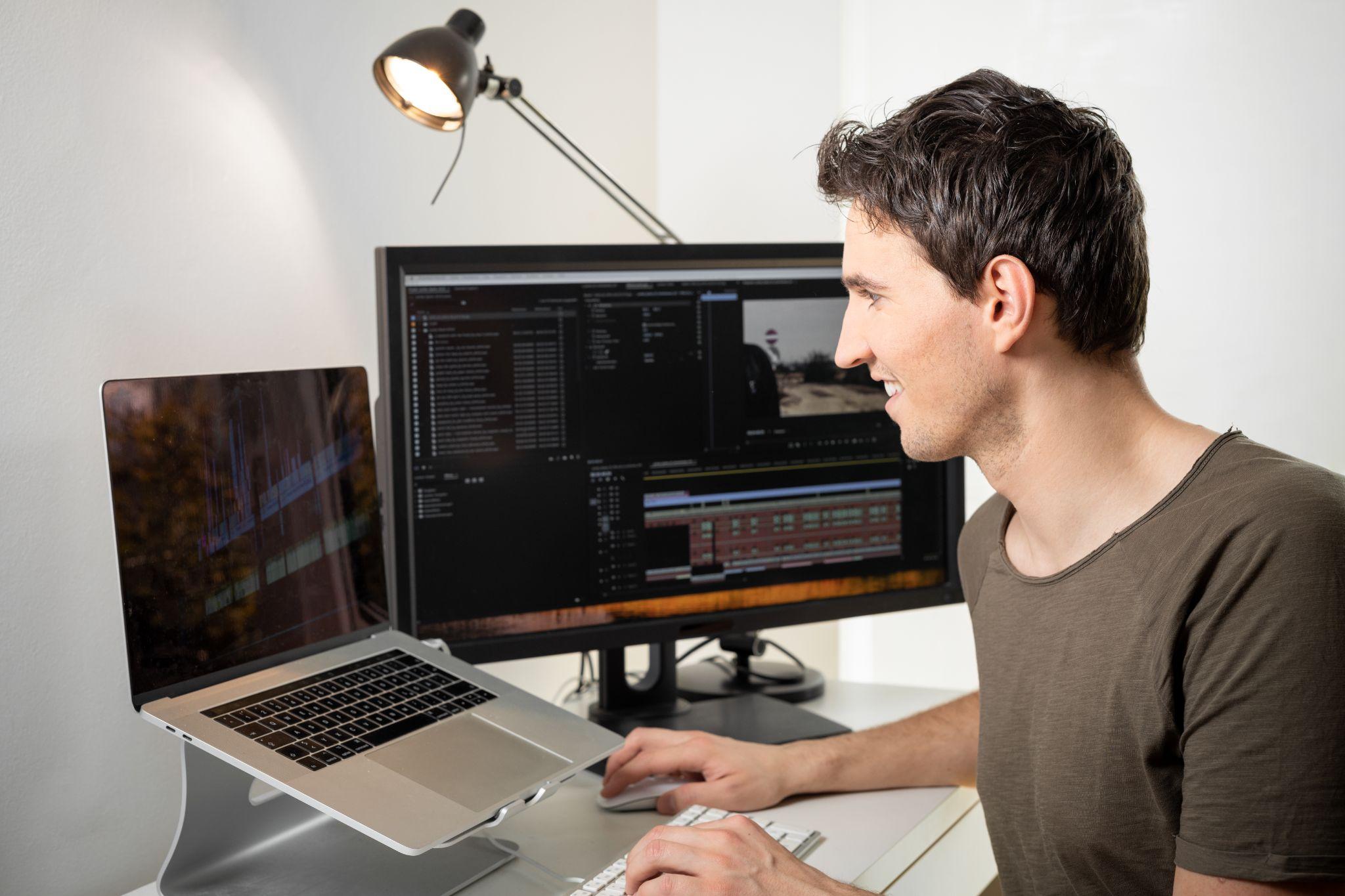
Video editing shouldn’t be exhausting. Deadlines creep up, projects stack up, and even simple tasks (such as trimming clips or making small adjustments) can take hours out of your day. It’s annoying when tedious work crowds out your creative energy, leaving you little time to focus on what really matters.
If you’re working solo or as part of a small team, the pressure doesn’t get much better. You want your work to look professional, but racing against the clock means making sacrifices. Even when you have a streamlined workflow, there are always tedious distractions that hold you back and drain your momentum.
Adobe is dedicated to making those tasks a thing of the past. With new AI tools coming to Premiere Pro powered by Adobe Firefly, you can create without distractions. Effortlessly produce amazing videos with generative tools, AI-powered masking, and automated media intelligence.
Here’s a closer look at Adobe’s latest AI video features for Premiere Pro.
Generative AI is Becoming Part of Everyday Editing
Perhaps the most significant changes are in how AI is being integrated into the editing timeline, rather than sitting in a separate tool. Premiere Pro now includes Firefly-powered features designed to solve common issues without interrupting the creative process.
This is especially beneficial for students, freelancers, and interns. The tools used by the professionals are more accessible than ever before thanks to Adobe Premiere Pro’s student offer, which allows budding creatives to experiment in the earlier stages of their careers. The idea isn’t to make everyone an AI expert. It’s just about getting more efficient with the tools that are reshaping the industry.
With Firefly fully integrated, it lives directly in the Premiere Pro timeline and Effects panel, rather than as a separate app. You can select a clip, open the Firefly sidebar, and apply changes in place all without moving your playhead or exporting.
Best for
- Experimenting with different cuts or versions before settling.
- Speeding up repetitive editing tasks without losing your creative flow.
- Testing bold creative ideas early in a project.
Generative Extend Solves a Real Editing Pain Point
The dialogue surrounding AI in creative work has shifted quickly over the last year. It’s no longer just about generating an image or experimenting with text prompts. Generative Extend is the new feature that everyone’s most excited about. On paper, it sounds simple. In reality, it solves a problem that editors have been grappling with for decades.
Every now and then, you’ll come across a shot that’s nearly perfect, but comes up just a little short. Maybe the camera cuts early. Maybe the reaction is a few seconds too short. Rather than re-shooting or trying to cover it up with janky transitions, Generative Extend leverages AI to add in a few additional frames or ambient sound so the cut appears seamless.
It might be only a second or two, but in editing it’s often the difference between something looking polished and rushed. It’s also useful for smoothing transitions and extending certain scenes for emotional impact. Of course, there are limitations. The tool can’t generate spoken dialogue, and it can’t lengthen music because of copyright issues. But for visuals and background sound, it’s incredibly useful.
Best for
- Patching small gaps in footage to make a scene feel seamless.
- Giving breathing room to key moments without reshoots.
- Tweaking pacing for emotional impact quickly.
AI Object Masking Speeds Up Complex Tasks
Another update focuses on masking and tracking. Usually, in order to isolate someone or something in a video, it could take hours or even days, especially if you need to go frame by frame. Adobe’s new AI Object Masking tool enables editors to select a subject and have the system track it across a clip.
This means you can blur faces, tweak lighting, or apply colour grading in certain areas much quicker. Plus, the software can follow movement forward or backward in time, with previews available in near real time.
From the perspective of content creators and production teams, this eliminates one of the most laborious aspects of post-production. The software also makes rotoscoping more accessible to beginners who might not have the patience or skill to do it manually.
Best for
- Trying out visual effects on moving subjects faster.
- Isolating elements to play with colour, blur, or lighting creatively.
- Making detailed masking approachable even on short deadlines.
Media Intelligence Helps You Find Footage Faster
If you’ve ever had to work with a massive library of videos, you know that finding the right clip can be tiring, and that’s putting it lightly. Adobe recently announced Media Intelligence, which uses AI to automatically scan and tag footage.
This means that editors don’t have to rely on manual labels or their own memory. All they have to do is search with natural language descriptions. Instead, they could simply type in “person walking in the city at sunset,” and the tool works like a remote control to find relevant clips.
It’s not exactly the most glamorous tool on the list, but it’s one of the biggest productivity boosters. When you’re dealing with hours (or maybe even terabytes) of footage, time spent looking adds up fast.
Best for
- Jump-starting a rough cut by instantly finding relevant clips.
- Surfacing overlooked shots that could improve a scene.
- Organising a massive library to let ideas flow naturally.
Caption Translation and Accessibility Improvements
Accessibility has become a central part of video strategy. Social platforms like YouTube (and many more) reward captions, and global audiences expect localisation in this day and age. Luckily, Adobe’s AI captioning tools can now automatically translate content into multiple languages right within Premiere Pro.
This eliminates the need for two separate workflows, and makes it easier to tap into different video content markets. It also supports inclusivity by ensuring content is understandable to viewers who rely on subtitles.
This isn’t just about compliance for brands and agencies. It’s about engagement. More viewers can watch without sound, and more people can access content regardless of language. It’s something that you wouldn’t even have been able to imagine ten years ago.
Best for
- Sharing content with new audiences without extra manual work.
- Testing how subtitles change pacing or storytelling.
- Making your edits feel global-ready from the start.
Why These Features Are Focused on Real Editing Problems
The most interesting thing about the latest AI Premiere Pro updates is that they’re not trying to reinvent editing. They’re simply solving small, annoying problems that people have to deal with every day. Extending a shot that ends too soon, finding a specific clip in a massive library, or isolating a subject without working all night on a mask are the time-sucking jobs that no one enjoys doing.
For working editors, that’s where the value is. It’s less about flashy new tech and more about efficiency. When those small obstacles are removed, everything just flows better. You stop spending so much time troubleshooting, and get to spend more time actually shaping the story, which is the part most people enjoy in the first place.
What This Means for Editors Right Now
These new AI tools don’t change the fundamentals of editing. You still need to have a good eye, a sense of timing, and the ability to tell a story. What it does affect, however, is how quickly you can get to that stage.
Editors who adapt to these tools will likely find themselves moving faster and handling larger workloads without burning out. That’s not to say that those who pass on these tools will fall behind overnight, but the gap is bound to grow over time. The job itself isn’t disappearing — there’s no need to worry there. It’s just turning into something more focused on creative judgment and less on repetitive technical work.
Bringing AI Into Your Editing Workflow
But what’s more important than raw speed are the ways these AI updates change how editors approach their work. When things like masking entire clips, extending shots, or searching your footage are automated, editing suddenly becomes less of a chore and more of a playground. Experimenting with different story beats, trying out new sequences, or exploring alternate colour grades no longer feel like such daunting tasks when you know that the rote legwork can be taken care of.
It also redefines collaboration. Teams can iterate on cuts together and share feedback quickly, without getting bottlenecked by someone who has to spend hours on the groundwork previously required. AI won’t make smart creative decisions for you. But it can open up the bandwidth to focus on the creative choices that do matter.
The biggest lesson from all these new tools isn’t “AI video editing tools exist.” It’s learning how to let AI shift your editing workflow mentality. Those who do will find themselves editing faster than ever before, but more importantly with more room to take creative risks, try new things and tell your story further.
That’s the fun part of video editing.
 Follow our WhatsApp channel
