

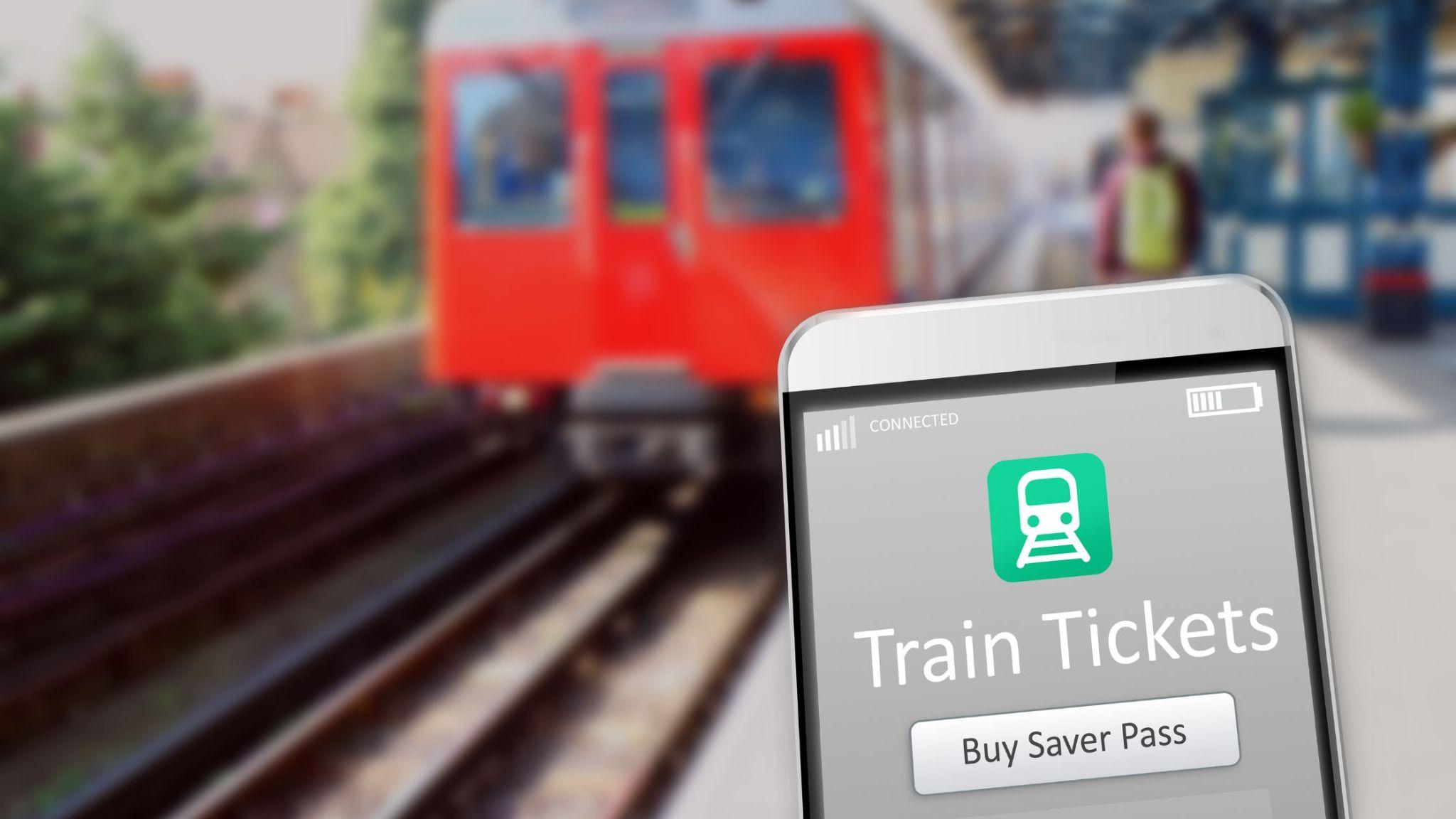
Delays, reschedules, platform changes, route diversions, last-minute bus stand shifts, and sudden cancellations are common in Indian travel. What changes the experience is not “hoping nothing goes wrong”, but getting the right update at the right time, and acting on it quickly. Alerts and notifications are your early-warning system.
In this article, you will explore how to set up the right travel alerts and use them wisely so you can avoid surprises and stay in control throughout your journey.
What Travel Alerts and Notifications Actually Do
Travel alerts are time-sensitive messages that tell you when something important changes or when you must do something next. Notifications are the delivery method: push notifications in an app, SMS, email, or a message thread.
Real-Time Updates vs Routine Reminders
Not all alerts are equal. Some are immediate, and others are scheduled.
- Real-time updates flag changes such as delays, cancellations, or a platform and boarding update as soon as the system receives them.
- Routine reminders prompt you about planned steps, such as upcoming departures, check-in windows, or saved trip details.
If you use a train booking app or platform, real-time updates matter because trains can run late, and station information can shift quickly during peak hours.
Where Alerts Usually Come From
Alerts can come from multiple sources, and it helps to know what each is good at:
- Booking platforms and travel apps that show trip details, running status, and reservation information. For example, redBus’s rail pages highlight features such as PNR checks and live train running status, which support timely updates.
- Operators and station systems, such as railway enquiry services, station announcements, and bus operator messages.
- Your own device and calendar, which can remind you when to leave, when to board, and when to reconnect after a disruption.
The goal is simple: reduce surprises and give you enough time to choose the next best move.
The Most Useful Types of Alerts to Turn On Before You Travel
Before you start your trip, set alerts that cover the most common disruption points, especially around departures and boarding.
Booking and Ticket Status Updates
These are the basics you should never miss:
- Booking confirmation and itinerary details, so you can quickly verify date, boarding point, and passenger details.
- Reservation and status updates, especially for train tickets, because the final status, coach details, or last-minute changes may affect how you plan your station arrival.
- Refund or cancellation status messages, so you know what has been processed and what action is pending.
Schedule, Boarding, and Location Changes
These are the alerts that save time and prevent missed journeys:
- Departure-time shifts and delay alerts so you can adjust your departure time.
- Platform, boarding point, or gate updates, so you avoid last-minute rushing across a station or bus terminal.
- Route diversion and service disruption advisories, which matter during weather events, local processions, or traffic restrictions.
Connection-Safety Alerts
If your trip involves a switch (train to bus, bus to metro, or a pick-up by family), prioritise:
- Live arrival estimates for coordination.
- Major disruption alerts, so you can re-plan before you reach the interchange point.
Choosing the Right Alert Channels So You Don’t Miss Updates
In India, network strength, battery life, and device settings can decide whether you see an update in time. A good setup uses more than one channel, without creating noise.
Push Notifications for Speed
Push notifications are usually the fastest way to receive changes, especially if you keep the relevant travel app signed in. They are best for:
- Platform or boarding changes
- Delay and running updates
- Disruption advisories
The downside: if your phone is on battery saver, “Do Not Disturb”, or background restrictions, push alerts can arrive late.
SMS for Reliability
SMS is still the most dependable fallback when:
- Mobile data is unstable
- You are in or near a station with a patchy signal
- Your phone is not actively using the app
Keep your phone number up to date in your profile and double-check it before travel day.
Email for Records, Not Urgency
Email is useful for:
- Storing confirmations and receipts
- Referencing policies, cancellation details, and itinerary history
It is not ideal for urgent updates because inboxes are crowded and notifications may be muted.
Setting Up Alerts the Smart Way
Good alerts are not just enabled. They are tuned for the travel day.
Fix the Usual Phone Settings That Block Alerts
If you use a smartwatch, haptic alerts can be a helpful extra layer when your phone is in your bag. The redBus app listing also mentions real-time updates and haptic alerts on supported devices, which is the same principle: make updates harder to miss.
Keep One Place for Trip Information
Save or pin the trip inside the app you used to book, so updates surface prominently. Some platforms also provide a “My Trips” or “Bookings” area to manage upcoming journeys and past bookings.
Share Updates When You are Not Travelling Solo
If a family member is picking you up, or you are travelling with elders, forward key updates in advance. The goal is to reduce last-minute calls when you are dealing with crowds, announcements, and boarding queues.
Using Alerts to Make Better Decisions During Disruptions
An alert is useful only if it leads to a better decision. The key is to treat updates as signals to act early, not as information to watch passively.
When You Get a Delay Update
A delay alert is not always bad news. It can be an opportunity to optimise:
- Leave later and avoid waiting at the station
- Coordinate pick-up timing more accurately
- Adjust meal and break plans, especially on long journeys
When You Get a Cancellation or Major Change
Cancellations are stressful because they compress decision-making. If you receive a cancellation notification:
- Confirm the update through the trip details page or official status tools
- Check alternate services on the same route and nearby time slots
- Consider switching modes (train to bus, or bus to train) if time is critical
When You Get a Platform or Boarding Update
These alerts are about speed and accuracy. Once you receive the update:
- Move immediately towards the updated platform or boarding point
- Avoid relying only on crowd movement
- Keep your ticket and identity details accessible
Conclusion
Travelling smarter is less about predicting every possible issue and more about building a system that keeps you informed and ready to respond. Alerts and notifications do that job well when they are focused, delivered through reliable channels, and supported by good phone settings. Many booking platforms support these workflows, and if you use redBus, you can explore its bus and rail features on its official site to understand how trip updates, running status tools, and booking management can fit into your routine.
 Follow our WhatsApp channel
